
Candy.ai’s November Multi Mode guide describes a chat interface for compatible realistic female characters, including eligible custom characters. It describes an upgrade option in an existing chat’s menu. It also says a reset can open the new interface. Check the available paths before you clear the conversation.
Look at the existing thread first
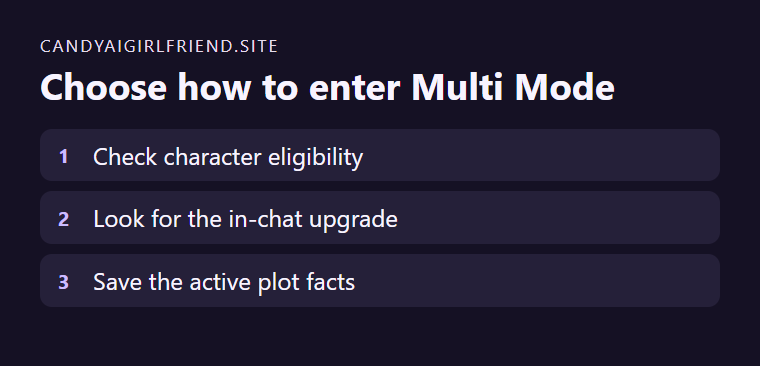
Open the character’s chat and inspect its menu for the upgrade option. If missing, check the scope of the current help and see whether settings apply to that character. Use an eligible new fictional conversation to inspect the interface when you can. Keep the original thread while you compare.
Keep the plot if a fresh chat is useful
For an ongoing story, save the last scene and its accepted facts in a short private note. Candy.ai documents that reset clears conversational context. Check the exact action offered and proceed only if a clean start fits the story you want. The global settings apply to supported conversations.